Physical Address
304 North Cardinal St.
Dorchester Center, MA 02124
Physical Address
304 North Cardinal St.
Dorchester Center, MA 02124
Expert AI tools reviews, Pinterest marketing tips, and smart home solutions. Grow your YouTube channel and online business with tested strategies.
Expert AI tools reviews, Pinterest marketing tips, and smart home solutions. Grow your YouTube channel and online business with tested strategies.
Affiliate Disclosure: This post may contain affiliate links. If you click and make a purchase, we may earn a commission at no extra cost to you.
vidIQ free vs pro—which one should you choose? I’ve been using vidIQ on and off for the better part of two years now. When I first started my YouTube journey, I thought the free version was enough to get by. After about six months of stagnant growth, I finally bit the bullet and upgraded to Pro. Here’s my honest take on whether the vidIQ free vs pro upgrade is actually worth it, based on real experience—not just marketing copy.
Let me walk you through exactly what changed, what stayed the same, and who should stick with free vs who needs to upgrade immediately.
If you’re new to YouTube growth tools, vidIQ is essentially a browser extension that sits on top of YouTube and gives you data-driven insights. It shows you keyword scores, competitor tags, estimated view counts, and optimization suggestions—all without leaving the YouTube interface.
Think of it as having a friend who’s been doing YouTube SEO for years, whispering tips in your ear while you work. It doesn’t make your videos viral overnight, but it helps you make smarter decisions about what to create and how to optimize it.
Ready to try it yourself? Start for free in 60 seconds—no credit card required.
Let me start with the free plan because it’s genuinely good. A lot of tools give you a watered-down trial that barely functions, but vidIQ’s free tier is actually useful.
Here’s what you get with the free version:
When I was just starting out and posting one video every couple of weeks, the free plan was honestly enough. It taught me how to think about keywords and competition. I learned a lot just by watching the keyword scores change as I typed different topics into the search bar.
But once I started posting more consistently and realized I was hitting walls, the limitations of the free version started to show.
Now let’s talk about what you get when you upgrade. This is where the vidIQ free vs pro comparison really matters.
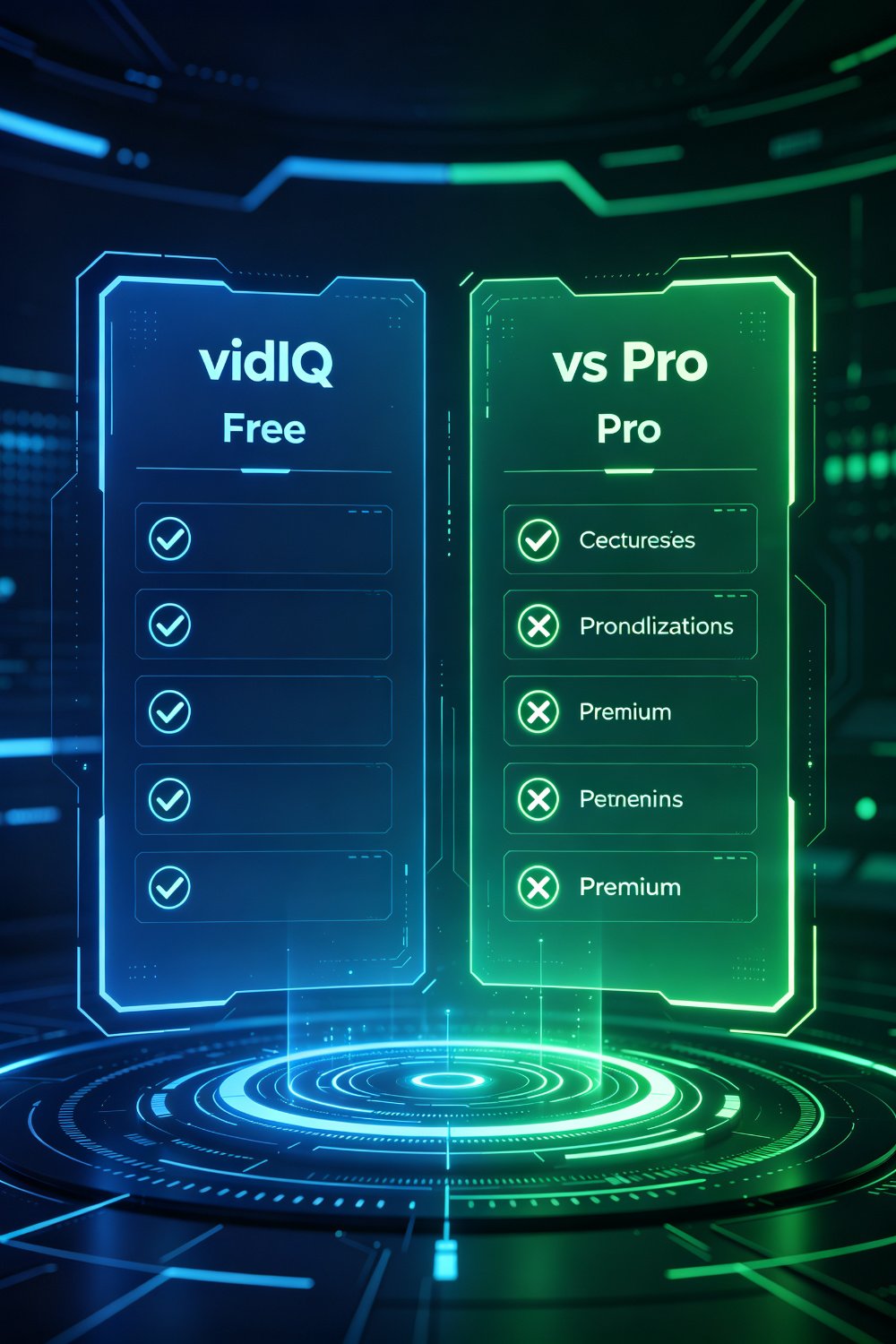
With the free version, you get a basic score. With Pro, you get the full Keyword Inspector. This is a night-and-day difference.
Instead of just seeing one number, you get:
I can’t tell you how many content ideas I’ve found just by scrolling through the related keywords section. Sometimes the best video ideas aren’t the obvious ones—they’re the slightly offbeat long-tail variations that have solid demand but almost no competition.
The video audit tool is probably my favorite feature. You can take any successful video in your niche, run an audit, and see exactly what tags they’re using, how their title is structured, and what their description looks like.
With the free version, you only get a handful of audits per month. With Pro, it’s unlimited. This is gold for reverse-engineering what works in your niche.
I once spent a whole afternoon auditing 20+ videos from a channel in my niche that was growing fast. I noticed a pattern: they were targeting very specific, long-tail keywords that barely any other channel was going after. I copied that strategy, and within a month, two of my videos hit the top 3 search results for those keywords.
Writing click-worthy titles is hard. The AI suggestions in Pro aren’t perfect, but they’re a great starting point. I usually take the AI suggestion, tweak it a bit, and end up with a better title than I would have come up with on my own.
The description generator is similarly useful. It gives you a structured template that includes your primary keyword, secondary keywords, and a call-to-action. Saves me 15-20 minutes per video.
Every time you log into your dashboard, you get a feed of video ideas tailored to your niche. These aren’t generic ideas—they’re based on what’s actually trending right now in your specific category.
I’ve lost count of how many videos I’ve made directly from these suggestions. Some of my best-performing videos started as a hmm, that’s interesting idea from the daily feed.
Let’s talk money. Here’s what vidIQ costs in 2026:
| Plan | Monthly Cost (Annual) | Monthly Cost (Monthly) | Best For |
|---|---|---|---|
| Free | $0 | $0 | Beginners, hobbyists |
| Pro (Boost) | $7.50/month | $19/month | Consistent creators |
| Max | $39/month | $59/month | Pro creators, agencies |
For most people, the Pro plan is the sweet spot. $7.50 a month (billed annually) is less than most people spend on coffee in a week. If you’re posting even two videos a week, that cost is negligible compared to the time you’ll save and the growth you’ll get.
And here’s a tip: if you have 100 subscribers or less, you can get 50% off forever. That’s a deal that’s hard to beat for new creators. Claim the 50% off deal if you’re eligible.
Let me share what actually happened after I upgraded. I’m not going to give you some inflated I doubled my subscribers in a month story—that’s not realistic.
Here’s what actually changed over three months:
Did I go viral? No. Did my channel grow faster than it was before? Yes, noticeably. The upgrade didn’t work magic, but it removed a lot of friction and helped me make smarter decisions.
Now, not everyone needs to upgrade. Here’s who should stick with the free version:
The free plan is genuinely good. If you’re just starting out, use it for a month or two. Learn how to read keyword scores. Get comfortable with the interface. Then decide if you need more.
On the flip side, here’s who should just upgrade right now:

For these creators, the $7.50/month cost is a no-brainer. It pays for itself within the first week when you save time and create better-optimized content.
This is the comparison everyone asks about. Let me keep it simple:
Choose vidIQ if: You prioritize keyword research depth, cleaner interface, and AI-powered suggestions. vidIQ wins on data depth and ease of use.
Choose TubeBuddy if: You need bulk editing tools, A/B thumbnail testing, and lower entry-level pricing. TubeBuddy is better for channel management and bulk operations.
Both tools are excellent. I use vidIQ for keyword research and optimization, and that’s where I get the most value. If you’re on a super tight budget, TubeBuddy’s entry-level plan is cheaper. But if you can afford it, vidIQ’s Pro plan is worth the extra few dollars.
Looking for more YouTube growth tools? Check out our review of TubeMagic AI for another powerful option.
Absolutely. In fact, small channels benefit the most because you’re still building your content strategy. The vidIQ free vs pro decision is especially important here. The keyword data helps you target low-competition keywords that bigger channels ignore. If you’re under 100 subscribers, you can get 50% off forever, making it even more affordable.
Yes. You can cancel anytime from your account settings. There’s no long-term contract. If you’re on the annual plan, you’ll keep access until the end of your billing period.
Yes, but it’s not magic. It helps you make better decisions about keywords, titles, and tags. It doesn’t guarantee rankings—your content quality still matters. But it removes the guesswork and helps you optimize based on data, not just gut feeling.
For most creators, the Pro plan is enough. The Boost plan adds collaboration tools, bulk processing, and priority support. You only need Boost if you’re working with a team or managing multiple channels.
Here’s my honest recommendation after two years of use:
If you’re serious about growing your YouTube channel, yes—upgrade to Pro. The $7.50/month cost is negligible, and the features will save you time and help you create better-optimized content. The keyword research alone is worth it.
If you’re a casual creator who posts occasionally, stick with the free version. You won’t use enough features to justify the cost.
The biggest mistake I see new creators make is either: (a) not using any tool at all and just guessing, or (b) buying the most expensive plan immediately when they don’t need it. Start with free, use it for a month, then upgrade if you find yourself wanting more data.
Ready to try vidIQ Pro for yourself? Get started with vidIQ here and see how it can help your channel grow.
This post may contain affiliate links. If you click and make a purchase, we may earn a commission at no extra cost to you.