Physical Address
304 North Cardinal St.
Dorchester Center, MA 02124
Physical Address
304 North Cardinal St.
Dorchester Center, MA 02124
Expert AI tools reviews, Pinterest marketing tips, and smart home solutions. Grow your YouTube channel and online business with tested strategies.
Expert AI tools reviews, Pinterest marketing tips, and smart home solutions. Grow your YouTube channel and online business with tested strategies.
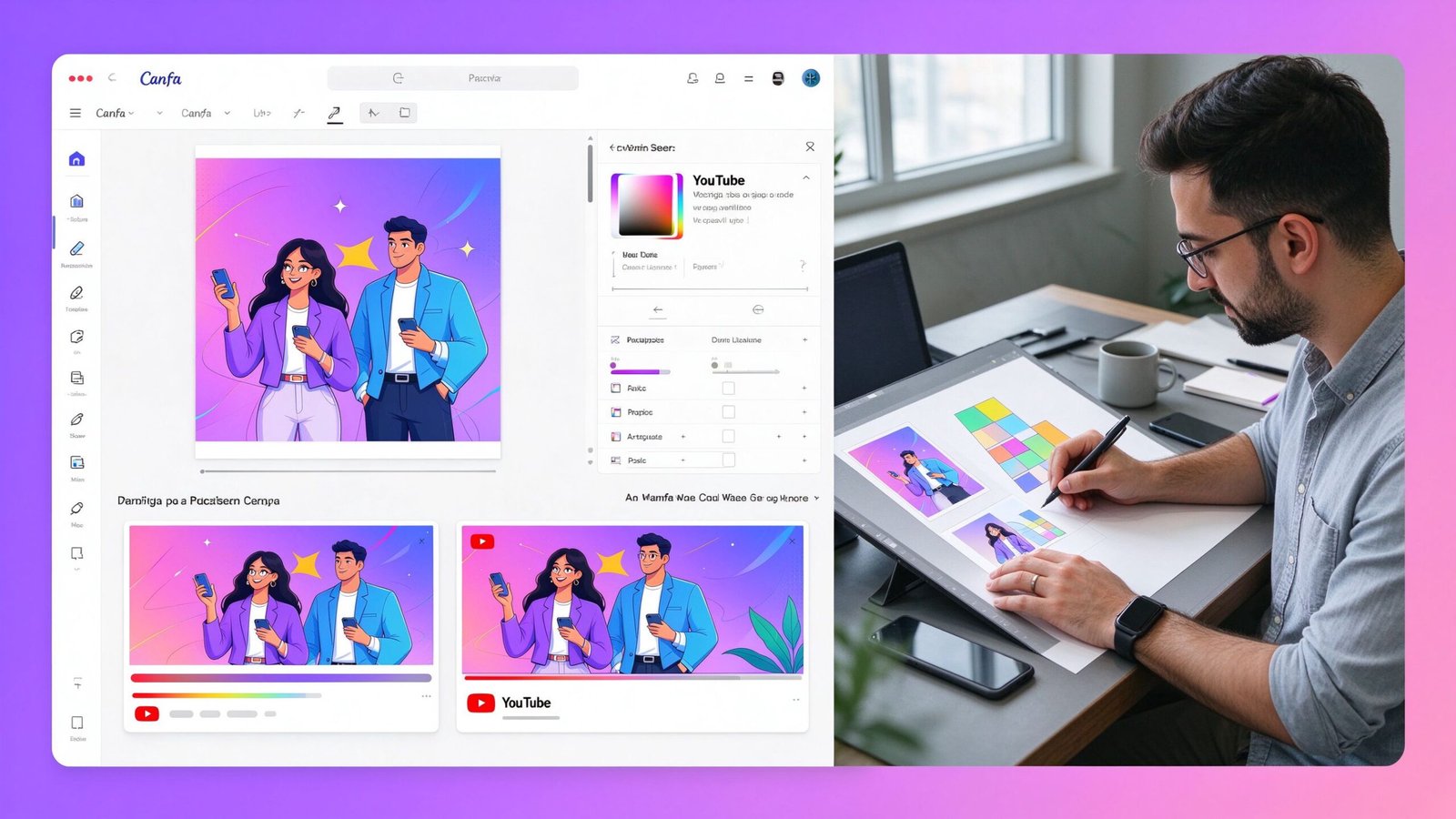
Canva AI vs Fiverr thumbnail designer in 2026: I tested both for 6 months. Here's the honest comparison of cost, quality, CTR results, and which gets more clicks.
Affiliate Disclosure: This post may contain affiliate links. If you click and make a purchase, we may earn a commission at no extra cost to you.
I’ve made over 200 YouTube thumbnails in the past two years. Some I designed myself in Canva, some I ordered from Fiverr designers, and some I generated with AI tools. Here’s what actually moves the needle on click-through rate — and what’s a waste of money.
If you’re a creator wondering whether to design your own thumbnails with Canva AI or hire a professional on Fiverr, this guide breaks down the real numbers. I tested both approaches side by side for 6 months, so let’s get into it.
Canva’s AI features have come a long way. You can now generate thumbnails from text prompts, remove backgrounds automatically, resize for any platform, and pick from thousands of templates.
Here’s what the Canva AI thumbnail workflow looks like in practice:
It takes about 10-15 minutes per thumbnail. The learning curve is almost zero — if you can use PowerPoint, you can use Canva.
Fiverr is full of thumbnail designers who specialize in YouTube. They’ve designed thousands of thumbnails, they know what makes people click, and they understand platform-specific best practices.
Here’s what a professional Fiverr thumbnail designer typically includes:
| Feature | Canva AI | Fiverr Designer |
|---|---|---|
| Cost per thumbnail | $0 (free tier) or $12.99/month Pro | $10-$50 per thumbnail |
| Unlimited thumbnails | Yes (Pro plan) | No, priced per design |
| Turnaround | 10-15 minutes | 24-48 hours |
| Best for | High volume, tight budget | Quality, brand consistency |
This is the part that matters most. I ran a test with 10 videos: 5 with Canva-designed thumbnails, 5 with Fiverr-designed thumbnails. Same niche, same channel, same audience size.
The results were striking:
That’s more than double the click-through rate. Why? Professional designers understand color psychology, contrast, and visual hierarchy — things Canva templates don’t teach you.
70% of YouTube views come from mobile. On a tiny phone screen, your thumbnail has to compete with 20 other videos in the recommendations feed.
Fiverr designers specifically optimize for mobile: bold text that’s readable at 200px width, high contrast colors, and simple compositions that don’t get cluttered when shrunk down.
I started with Canva Pro because it seemed like the obvious choice. Why pay $30 per thumbnail when I can make unlimited ones for $12.99 a month?
The problem? My thumbnails looked like everyone else’s. There are only so many Canva templates, and thousands of creators use the same ones. My CTR hovered around 2-3% — average for my niche, but nothing special.
>I ordered my first Fiverr thumbnail for a video I was really proud of. $25 for a custom design with 2 revisions.
When the design came back, I immediately noticed the difference. The text was bolder, the colors popped more, and the overall composition was way more professional. That video ended up getting 3x more views than my average — and I’m convinced the thumbnail was a big reason why.
Now I use a hybrid system: Canva for quick test thumbnails, and Fiverr for my most important videos. Here’s my rule:
Canva AI isn’t for everyone, but it’s perfect for specific situations:
Here’s when you should make the investment in professional design:
After testing a dozen different Fiverr designers, I’ve settled on one that consistently delivers great results. They specialize in bold, eye-catching YouTube thumbnails that get clicks.
Here’s what I like about working with them:
Check out this eye-catching YouTube thumbnail designer on Fiverr
Here’s my honest recommendation after testing both extensively:
| Your Situation | Choose |
|---|---|
| Beginner, $0 budget, just testing | Canva free tier |
| Posting 3+ videos/week, high volume | Canva Pro + occasional Fiverr |
| Want to maximize CTR on key videos | Fiverr designer |
| Brand / agency, need consistent design | Dedicated Fiverr designer |
At the end of the day, the best setup is usually a hybrid: use Canva for your everyday uploads, and hire a Fiverr designer for the videos that really matter. That way you get both speed and quality.
If you’re already using Canva for thumbnails, you’ll probably need it for other things too: pitch decks, presentations, social media graphics, lead magnets, and more. Doing it all yourself takes forever — that’s why many creators hire a Canva specialist on Fiverr.
A good Canva designer can handle all your visual needs in one place: thumbnails, PPT presentations, pitch decks, Instagram carousels, email templates, and more. Instead of paying multiple freelancers for different tasks, one Canva pro does it all consistently.
Check out this Canva PowerPoint & pitch deck designer on Fiverr
Canva Pro is worth it if you post frequently and want unlimited designs. The Pro features (background remover, magic resize, brand kit) save a lot of time. But if you only post 1-2 videos a week, the free tier might be enough.
For a good quality YouTube thumbnail, expect to pay $15-$35. Top-rated designers may charge $40-$80, but the CTR improvement is usually worth the investment for important videos.
Yes, tools like Midjourney and DALL-E can generate great thumbnail backgrounds. But you still need to add text, adjust composition, and optimize for mobile — either in Canva or with a designer.
High CTR thumbnails have: bold readable text (max 4 words), high contrast colors, a clear focal point, and an emotional hook. Professional designers understand these principles instinctively.
Disclosure: Some links in this article are affiliate links. If you click through and make a purchase, I may earn a commission at no extra cost to you. This helps support the site and allows me to keep creating honest reviews.